
Camsy
Stream smartphone cameras, microphones, PC display, and audio directly into OBS Studio with minimal latency.
Effortless Camera & Audio Routing to OBS
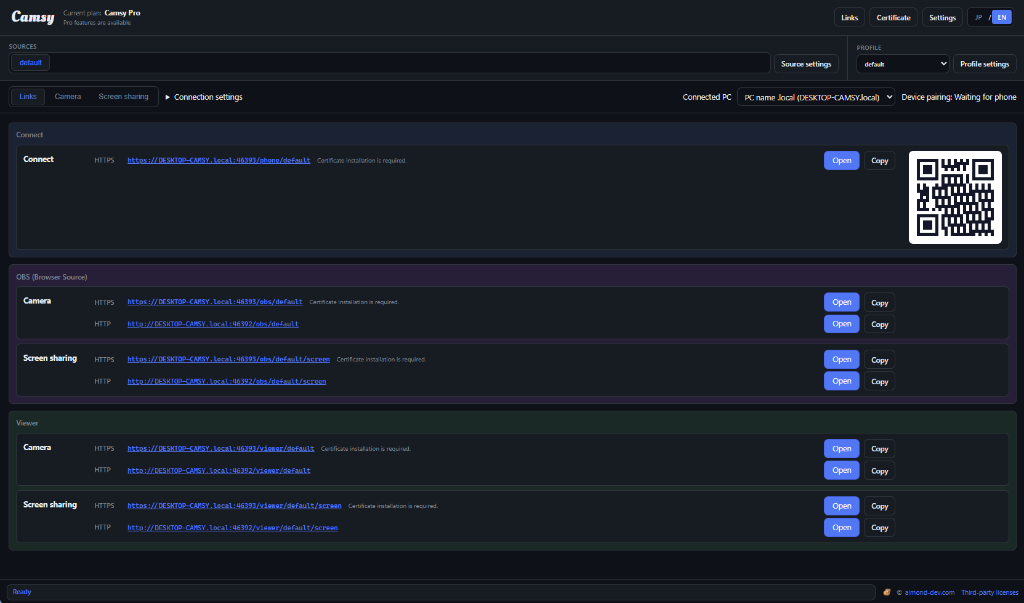
Camsy connects mobile devices on your local network to stream camera and microphone feeds into OBS as browser sources. It also lets you route PC webcams, audio inputs, and screen capture effortlessly into OBS Studio.
Free and Pro versions share the exact same binary. Simply enter your purchased Pro license key inside the app to unlock all Pro capabilities instantly.
- Operating SystemWindows 10 / 11 (64-bit)
- InstallerCamsy-0.1.0-win-x64-setup.exe
- IntegrationOBS Studio (Browser Source, etc.)
- LicensingFree & Pro (Unified Binary / License Key)
Features & Benefits
Smartphone to OBS over Local WiFi
Turn your phone into a wireless webcam and microphone. Simply add the generated browser source URL in OBS Studio.
Unified PC Video & Audio Capture
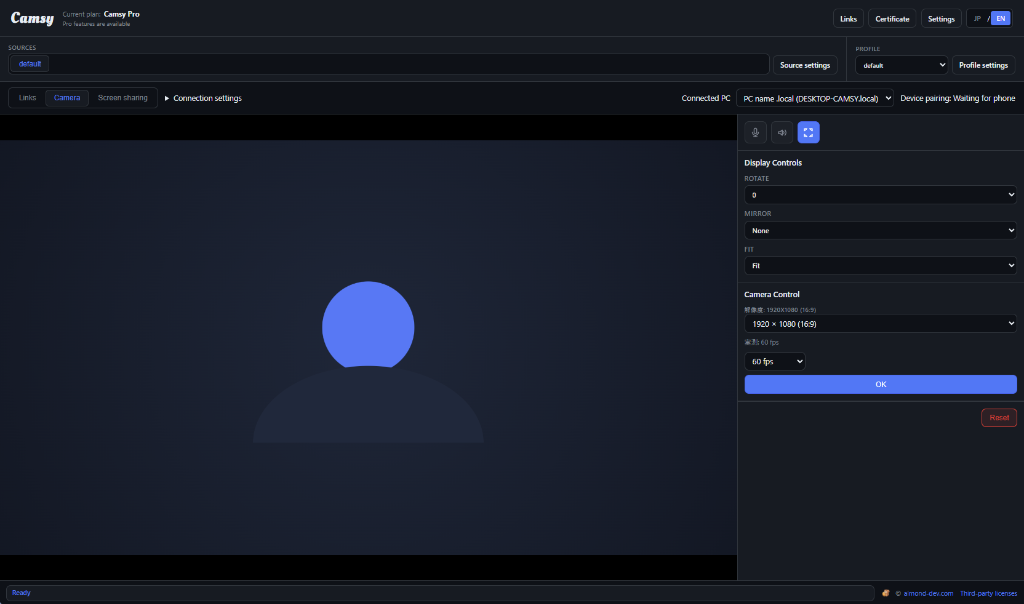
Feed PC webcams, desktop screen capture, and internal audio directly into your streaming workspace without complex virtual cables.
Single App, Instant Upgrade
No separate downloads required. Enter your license key from Polar directly into the application to activate Pro features instantly.
Lightweight & Responsive
Engineered for low latency and minimal resource footprint, keeping your PC running fast during live streams and recordings.
Plans & Pricing
Free
Perfect for getting started
- Full Camsy Application
- Local WiFi camera & mic streaming
- PC camera and audio OBS routing
- Direct installer download
Pro Plan
For content creators & power users
- Instant License Key Delivery
- All Free features + Pro enhancements
- Unlock directly in the app
- Monthly or Yearly subscription
Donation
Support continuous development
- Directly support Camsy development
- One-time or monthly contribution
- Customizable donation amount
- Help fund future updates and features
Download Camsy Today
Download the Windows installer and enhance your OBS streaming setup in minutes.